iPacky Dashboard→Tools→Stock count
Available for users with Operator role or higher. Or users with the Inventory update role.
It’s recommended that you use the Stock count by product instead. This is because it will take some time to load if you have many products, or multiple people will work on this at the same time.
Here you can do your inventory count/inventory stock updates.
First click on Load products, if not already loaded. This can take up to several minutes depending on the number of products you have in Shopify.
It’s highly recommended that nobody is working on the Metafields list page while this is going on.
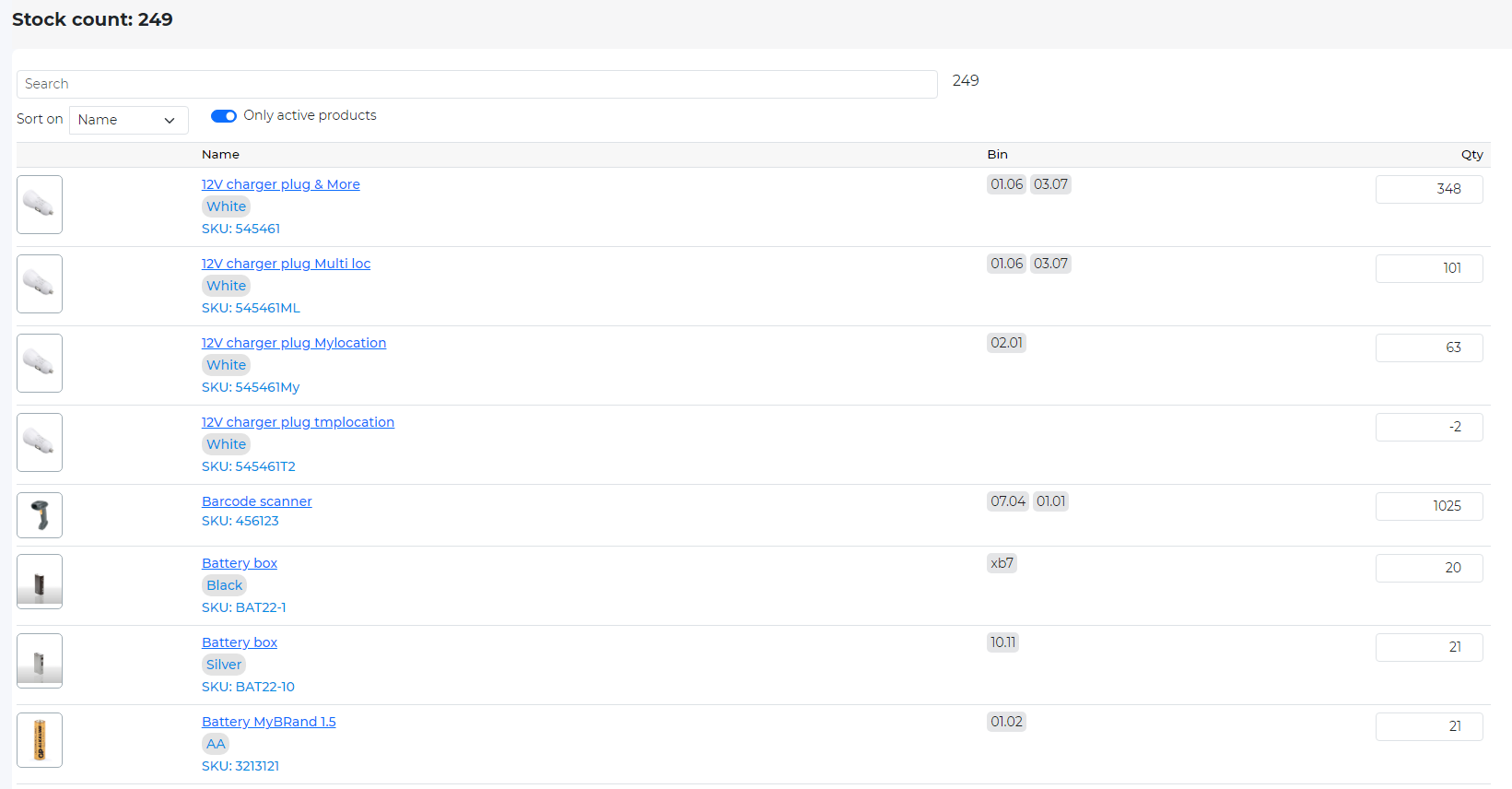
Here you will see all your products from Shopify with their bin location, and on hand stock quantity. Only products that track quantity, is a physical product and has inventory on the current Shopify location in iPacky will be shown.
You can search on part of a name, SKU, barcode, vendor and product type.
By clicking on the product name hyperlink, you will see the iPacky metafields for that product. If you have Operator role or higher, you are also able to edit that information.
You can also select what to sort on.
The changed on hand stock will be written to Shopify after you have pressed Save, which will be available after you make a change.
The inventory count will be written to the current Shopify location in iPacky.
On the bottom of each page, you will see a next/previous page button, and a goto page drop-down.
Best practices
- It’s recommended that you do not do stock updates while picking&packing is going on. This is because the on hand inventory will be wrong if someone has picked this item, but the order is not fulfilled in Shopify. Then the on hand will be wrong. An exception to this is if you’re sure that this product has not been picked while you perform this adjustment.
- If multiple people are working on this at the same time, it’s important that they work on different products. This can be accomplished by users starting from different pages in the list. This can be done by selecting a different page in the page drop-down at the end of each page.